Texture Problems
Blurry Parts
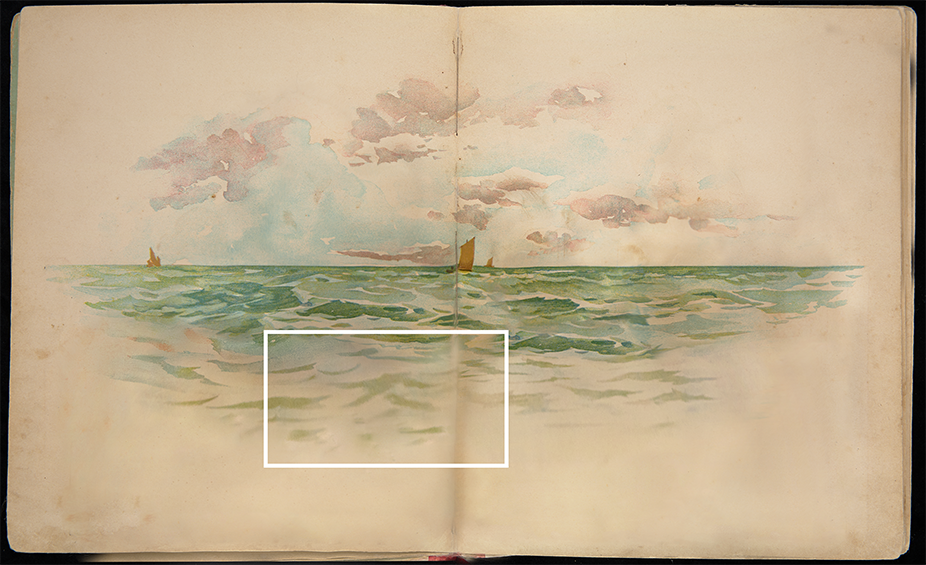
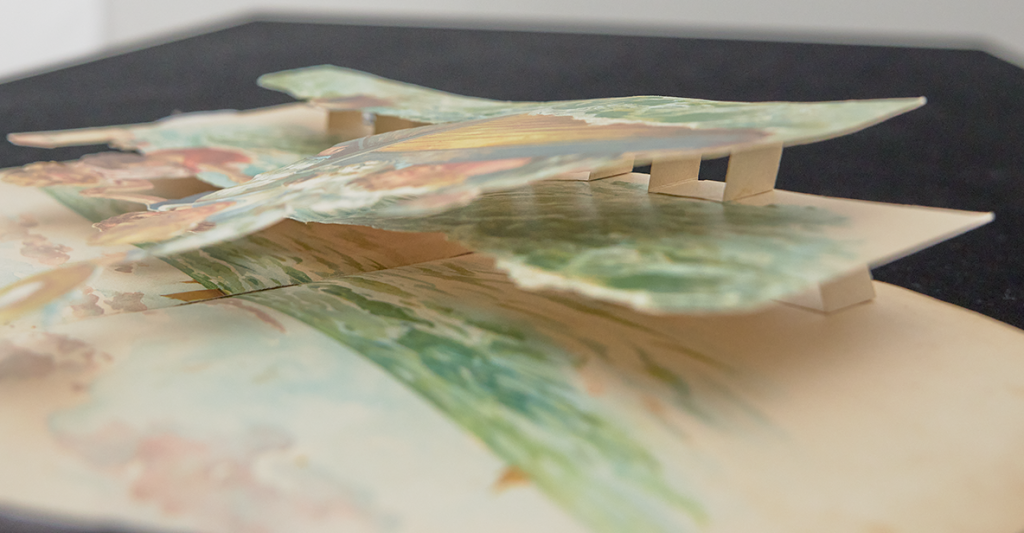
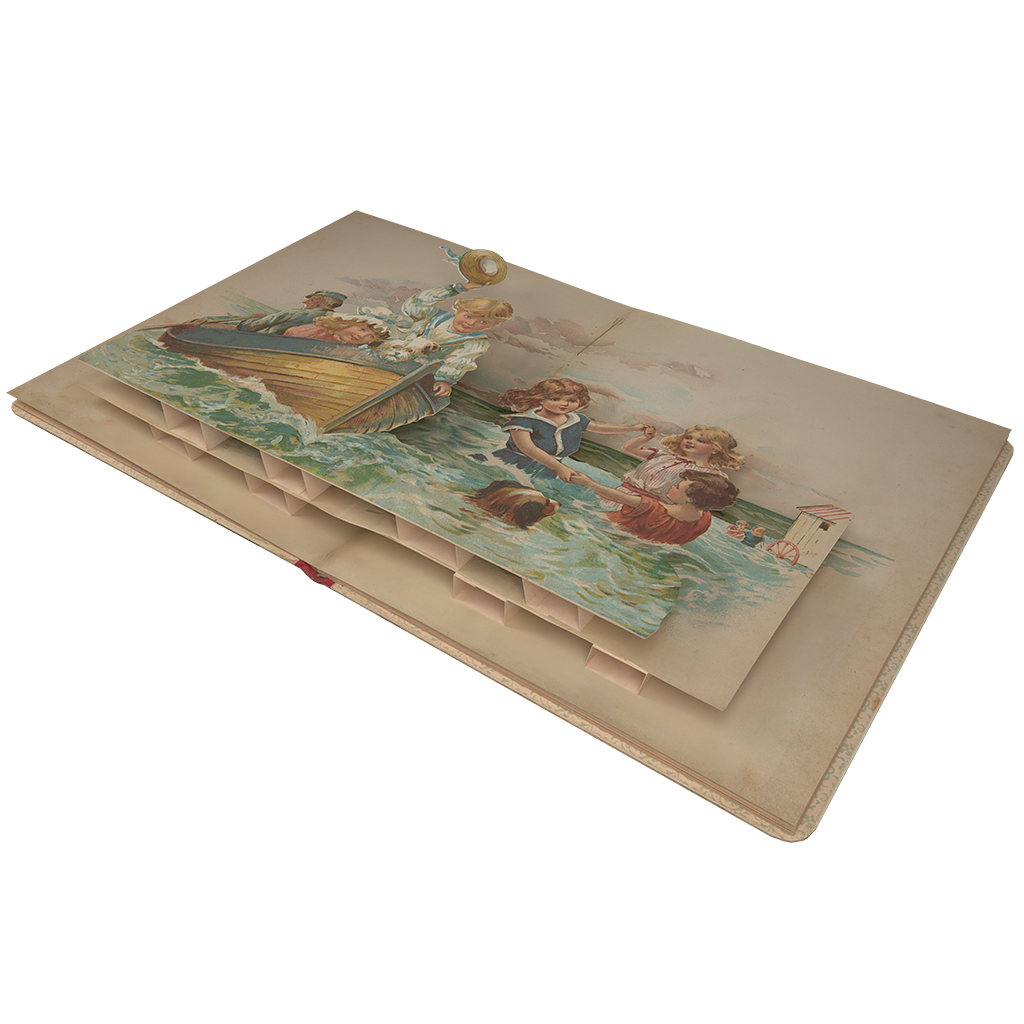
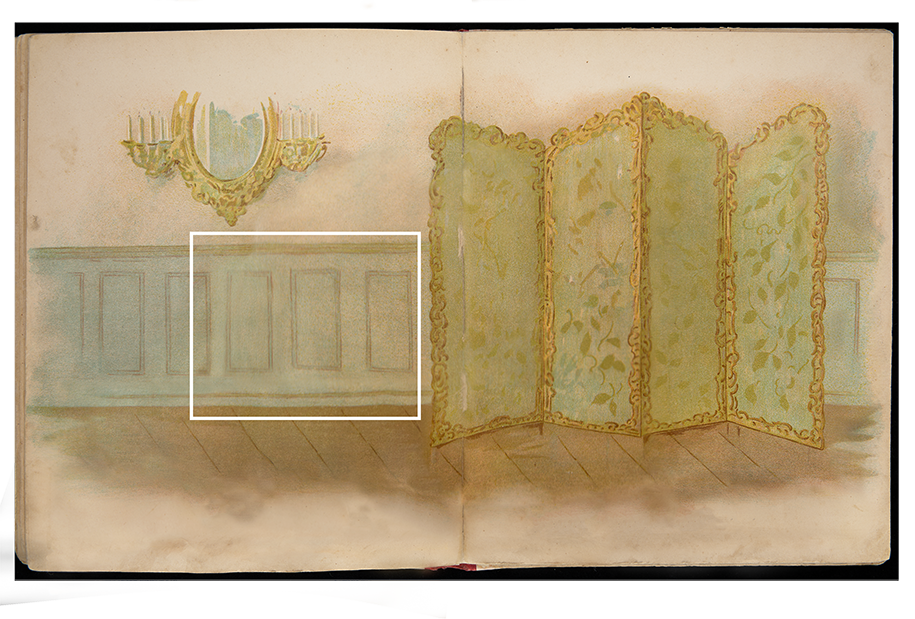
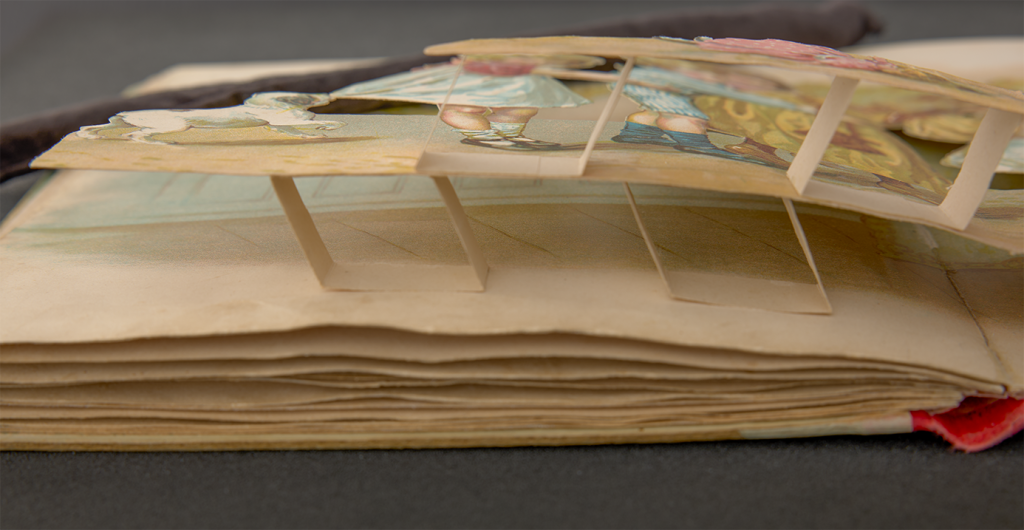
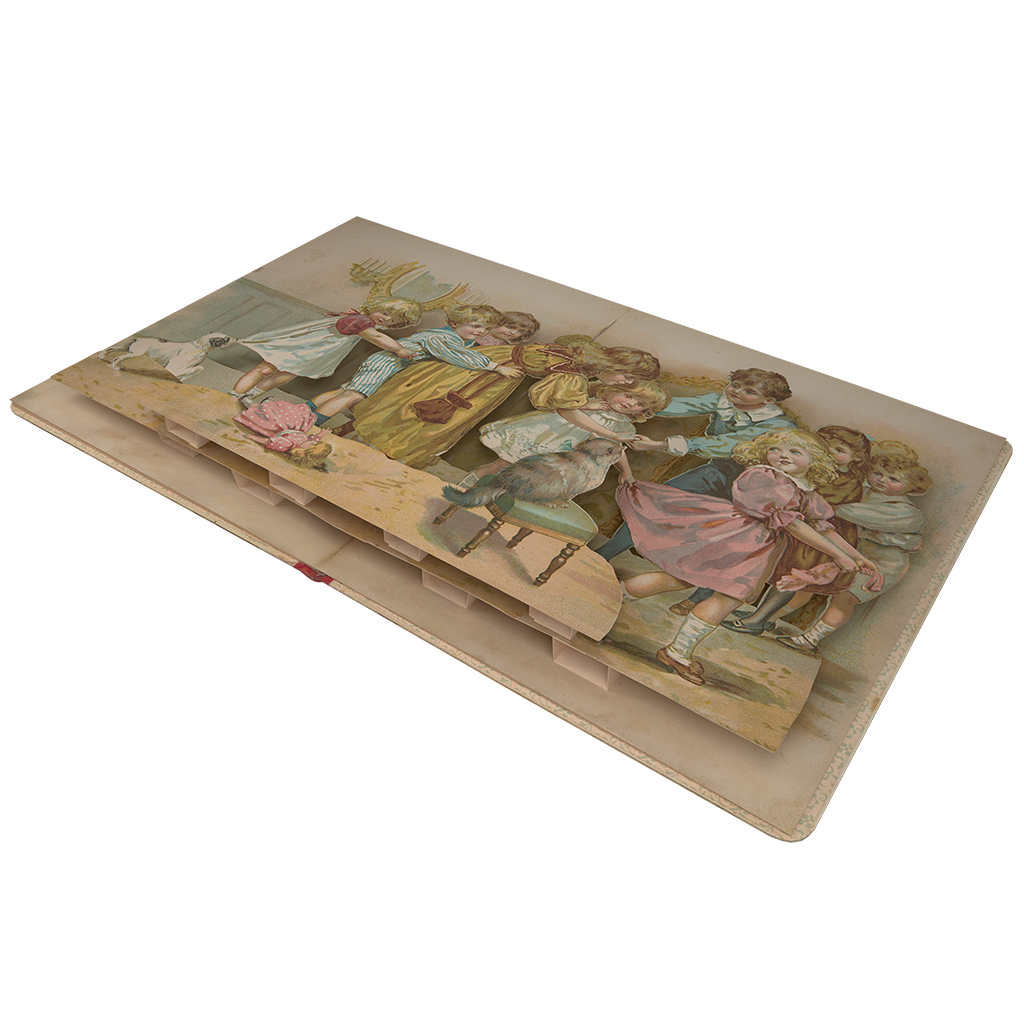
For some book textures, we encountered the issue that certain areas remained blurry after stitching multiple pieces together. This mainly results from the perspective of the photos, lighting conditions, and adjustments made in Affinity or Photoshop. In most cases, the problem occurred in the deepest (hidden) background layer, where too many overlapping paper layers made it difficult to capture clean source images.
For smaller areas, it is possible to use Photoshop’s AI tools to denoise or replace minor sections. These areas are often not visible in the final result due to overlapping layers, but still require a basic fill.
However, for larger regions, there is no reliable way to fully correct the blur using available tools. In these cases, we decided to leave those areas as they are.
There are only two potential ways to prevent this issue: either invest significantly more time by taking additional photos and extending the stitching process, or physically cut the books open to achieve a clearer view. Neither option is practical for our use case.
Conclusion: Since many of the affected areas are ultimately covered by other layers and are not prominently visible, we decided to accept a certain level of blur in some of the final textures.
Author: Fenya Troch